Connecting Lovable to Supabase: How to Protect Your Data, Users, and Backend Before Launch
Lovable makes generating a clickable prototype effortless, but connecting it to real customer accounts requires proper backend security. Here is what every founder needs to check in Supabase before going live.

Lovable excels at turning visual design prompts into clean React interfaces, but an interface is only half of a software product. As soon as your web application requires users to create accounts, save private profile information, upload documents, or process payments, it needs a reliable backend database. For Lovable projects, that backend is almost always Supabase.
While Lovable provides an effortless “Connect Supabase” button that provisions tables in seconds, AI generators prioritize visual responsiveness over database security. If you launch without reviewing backend permissions, customer data can easily leak to other users. Reviewed September 2026. Security guidelines reflect current Supabase PostgreSQL standards for production web applications.
What Supabase Actually Does in Your Lovable Project
If you are a non-technical founder or business owner, think of Lovable as the front showroom of your business and Supabase as the locked back office and secure filing cabinet:
- User Authentication: Supabase manages passwords, email confirmations, password reset workflows, and social logins (Google, Apple, GitHub).
- PostgreSQL Database: Every customer profile, order, message, and form submission created in Lovable is stored in structured tables inside Supabase.
- Storage Buckets: User avatar images, PDF invoices, and uploaded files reside on Supabase Cloud storage rather than inside the front-end code.
- Edge Functions & APIs: Whenever your app talks to Stripe for payments or sends an automated transactional email via Resend, Supabase handles the private server logic.
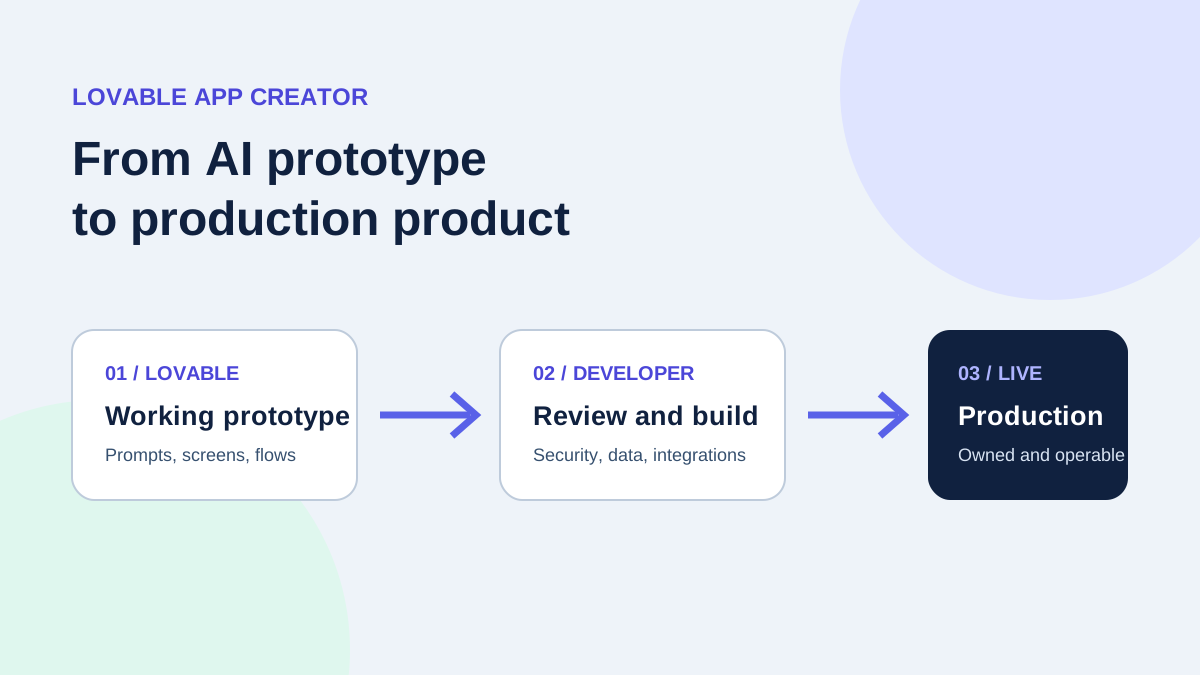
Understanding this division of responsibility is essential. Lovable creates the buttons; Supabase remembers what happens after the user clicks them. For a broader overview of turning prototypes into reliable businesses, read our core guide on the Lovable app creator role.
The Hidden Security Trap: Open Database Policies
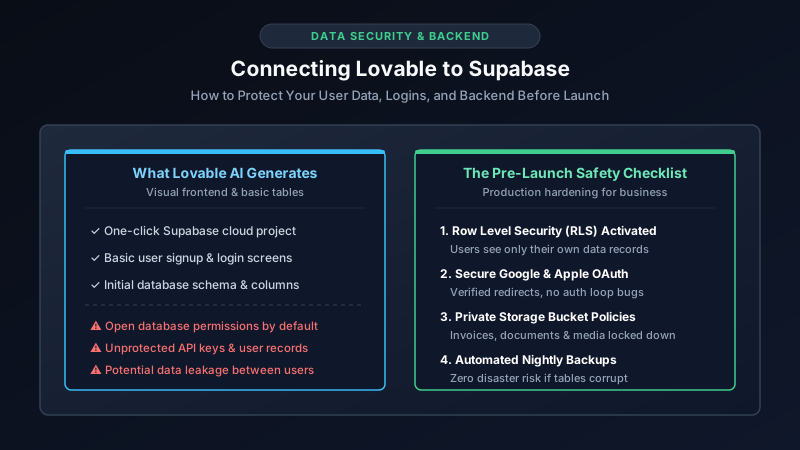
When you prompt Lovable to build a feature—such as “Add a user dashboard where clients see their recent orders”—the AI wants the prototype to work immediately without throwing permission errors. To achieve this, AI models frequently configure what developers call permissive or open policies.
In simple terms, unless explicitly corrected, your database may allow any authenticated user to query the entire database table rather than only their own records. If Customer A inspects their browser network tab, they might see records belonging to Customer B.
The Solution: Row Level Security (RLS)
PostgreSQL features a built-in security shield called Row Level Security (RLS). When properly enabled on every table, the database verifies the identity of the user requesting data at the lowest engine level. If User 123 requests an invoice, Supabase returns only invoices matching user_id = 123, rejecting any unauthorized attempts automatically.
Before putting paying customers onto your Lovable app, verify that every table in your Supabase project displays a green “RLS Enabled” status badge in the Table Editor.
Pre-Launch Security Checklist for Lovable Founders
Before sharing your application link on social media or processing transactions, review these four foundational areas:
| Area | Common AI Generation Bug | Safe Production Standard |
|---|---|---|
| User Authentication | Redirect URLs point to localhost or temporary Lovable previews |
Production domain explicitly whitelisted in Supabase Auth settings |
| Customer Data Tables | Tables created without Row Level Security (RLS) policies | Strict RLS policies: users read and write only their own records |
| File & Document Storage | Storage buckets left marked as “Public” for easy viewing | Private storage buckets with signed, expiring download URLs |
| API Secrets & Keys | Stripe Secret Keys mistakenly exposed in client-side code | Secret keys isolated inside Supabase Edge Functions or Vault |
Do You Need to Learn SQL to Launch?
No. As a business owner, your role is to validate the product and talk to customers, not to debug SQL queries and database triggers. However, you should recognize when an AI generator has hit its capability ceiling.
If you encounter any of the following symptoms, prompting the AI more times will usually corrupt your database schema:
- Infinite Login Loops: Users click “Sign in with Google,” but get redirected back to the login page without logging in.
- Missing Data on Refresh: A user fills out a form, but when they refresh the browser, their information disappears because the database foreign key relationship was never created.
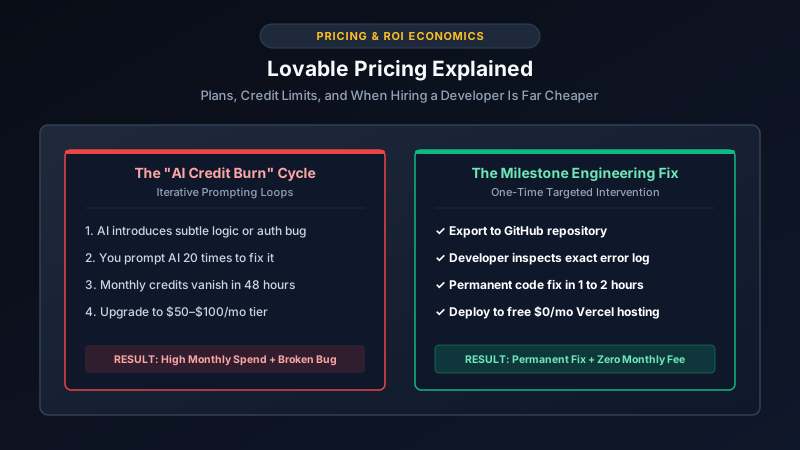
- Supabase Credit Exhaustion: Inefficient database queries firing hundreds of times per second, eating up your free tier limits.
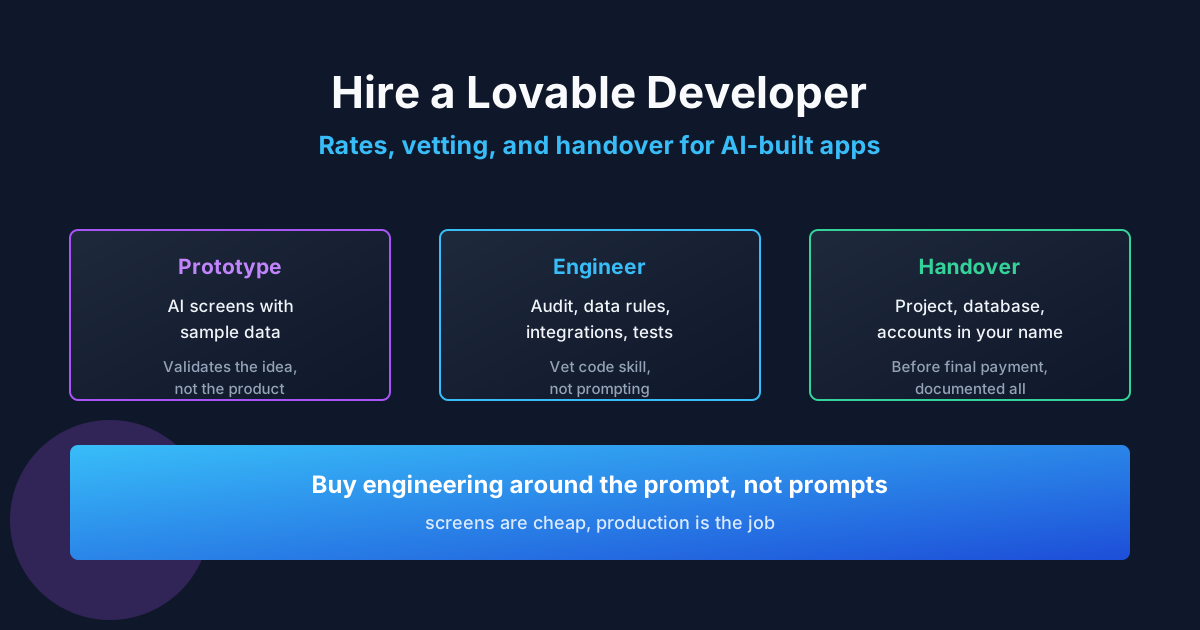
In these situations, spending 2 to 4 hours with an experienced backend specialist resolves the issue permanently. You can read our detailed breakdown on rates and red flags in our guide to hiring a Lovable developer.
Summary: Launch with Confidence
Lovable and Supabase form one of the most powerful modern technology stacks for rapid startup execution. Lovable gives you speed to market; Supabase gives you enterprise-grade infrastructure. By spending an afternoon verifying your database security and user access rules, you ensure that when your first marketing campaign succeeds, your customers’ private data remains protected.
If you have an active Lovable prototype and want an independent engineer to audit your Supabase security rules, check out ProofDevs verified developers who specialize in AI hardening and production handovers.
Written by Michael Melnyk
Senior IT Technical Writer & Technology Analyst
Senior Technical Writer and IT Industry Analyst with over 7 years of experience analyzing software engineering ecosystems, tech leadership models, and developer procurement frameworks.